
Getting started
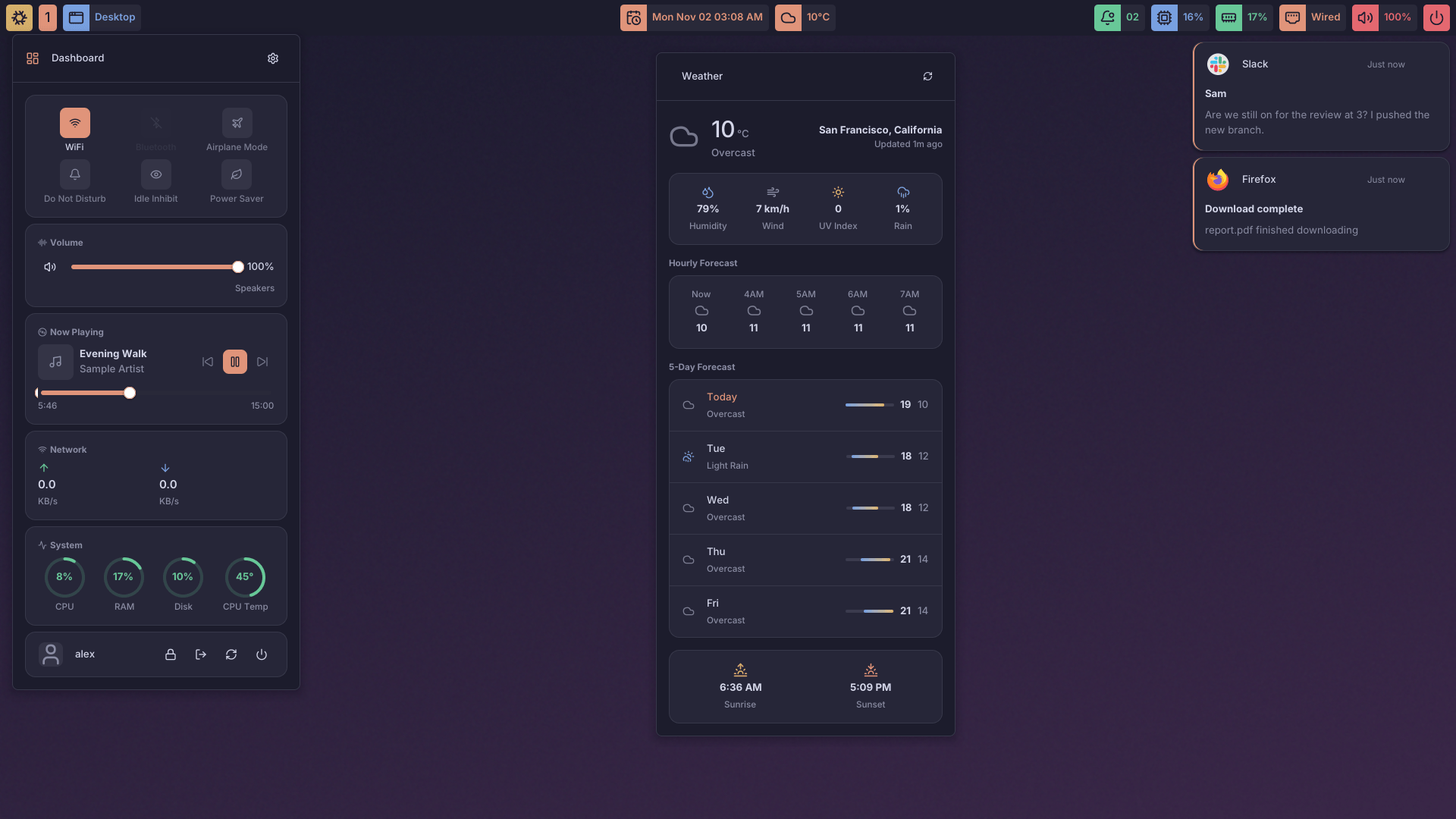
lys-shell is a Wayland desktop shell written in Go on lys-ui, a pure-Go Wayland toolkit. It provides a top bar, notification center, on-screen display, wallpaper management and much more. Built-in mechanisms to handle audio, Bluetooth, network, media, battery and power controls.
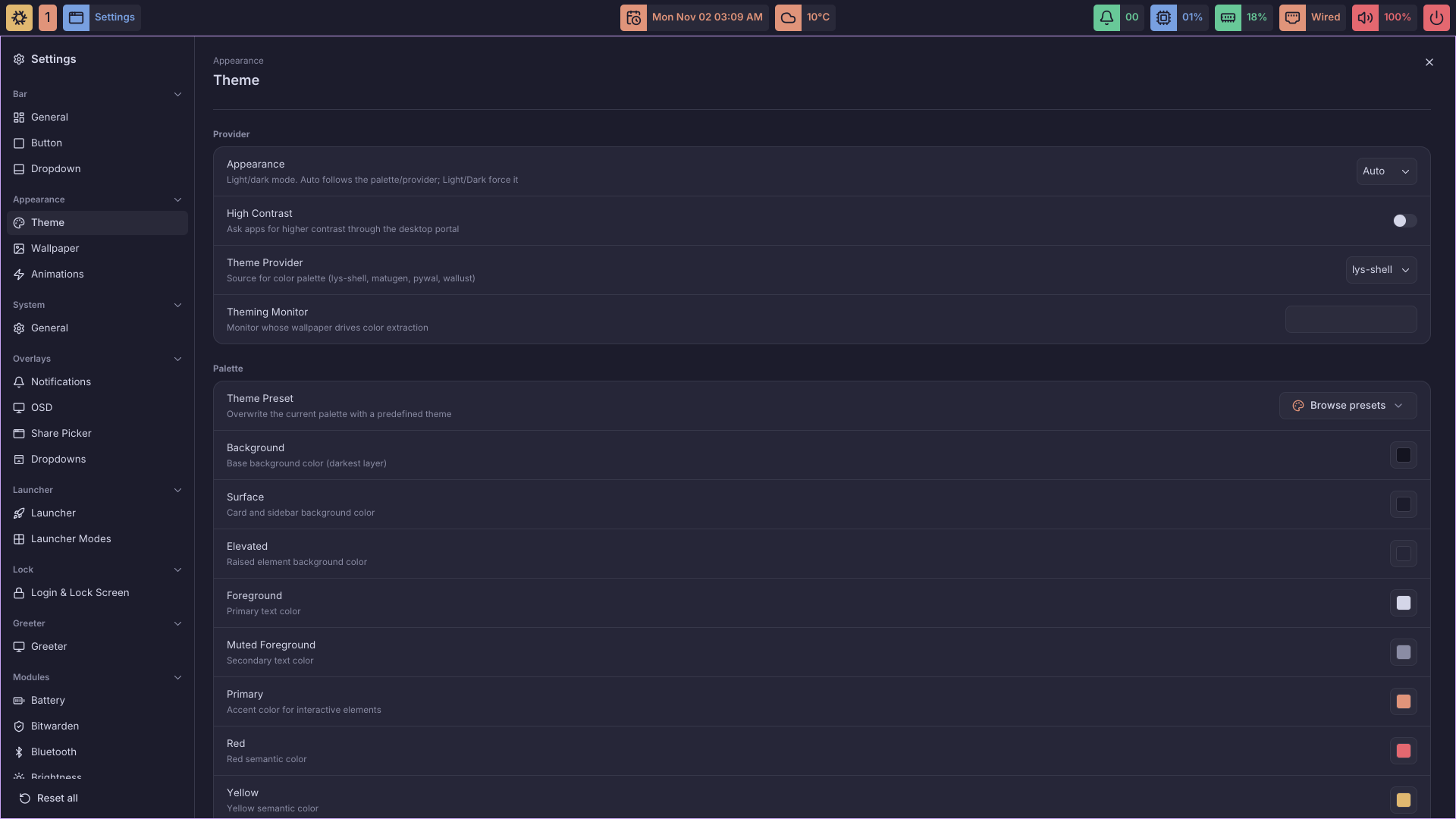
Settings can be edited in config.yaml, through the lys-settings GUI, or with the lys-shell config CLI. All three apply live: changes reach the running shell without a restart.
lys-shell requires a Wayland compositor that implements the wlr-layer-shell protocol. Compositor-specific modules target lys-wm, Hyprland, Niri, Mango and Sway.
The lock screen is lys-login. lys-shell links no lock screen code: lys-shell lock, logind's Lock signal and lock-on-start each run lys-login lock from the PATH as a process of its own, which outlives a shell restart. On Hyprland, set misc:allow_session_lock_restore = true: when the lock process dies with the session still locked, the shell starts it again, and that new process has to take over the lock.
Install
Each release publishes a .deb, a Fedora .rpm and a tarball, for x86_64 and aarch64. To build from source instead, follow your distribution's guide:
Other distros
Building needs only Go (1.27, or any Go from 1.21 that fetches it). At runtime lys-shell loads these libraries, so install them from your distribution:
| Library | Used by |
|---|---|
| Vulkan | GPU rendering, zero-copy screen sharing, the screen recorder |
| VA-API | the screen recorder on GPUs whose Vulkan driver encodes no video |
The screen recorder needs Vulkan and a GPU that encodes H.264, through its Vulkan driver (Vulkan Video) or, where that has no encoder (Intel Xe2), its VA-API driver (libva with intel-media-driver or Mesa's); without either it reports that it cannot record, and why. Everything else falls back to the CPU without Vulkan. Screen sharing (ScreenCast) speaks to the PipeWire daemon, 1.0 or newer, directly and loads no PipeWire library.